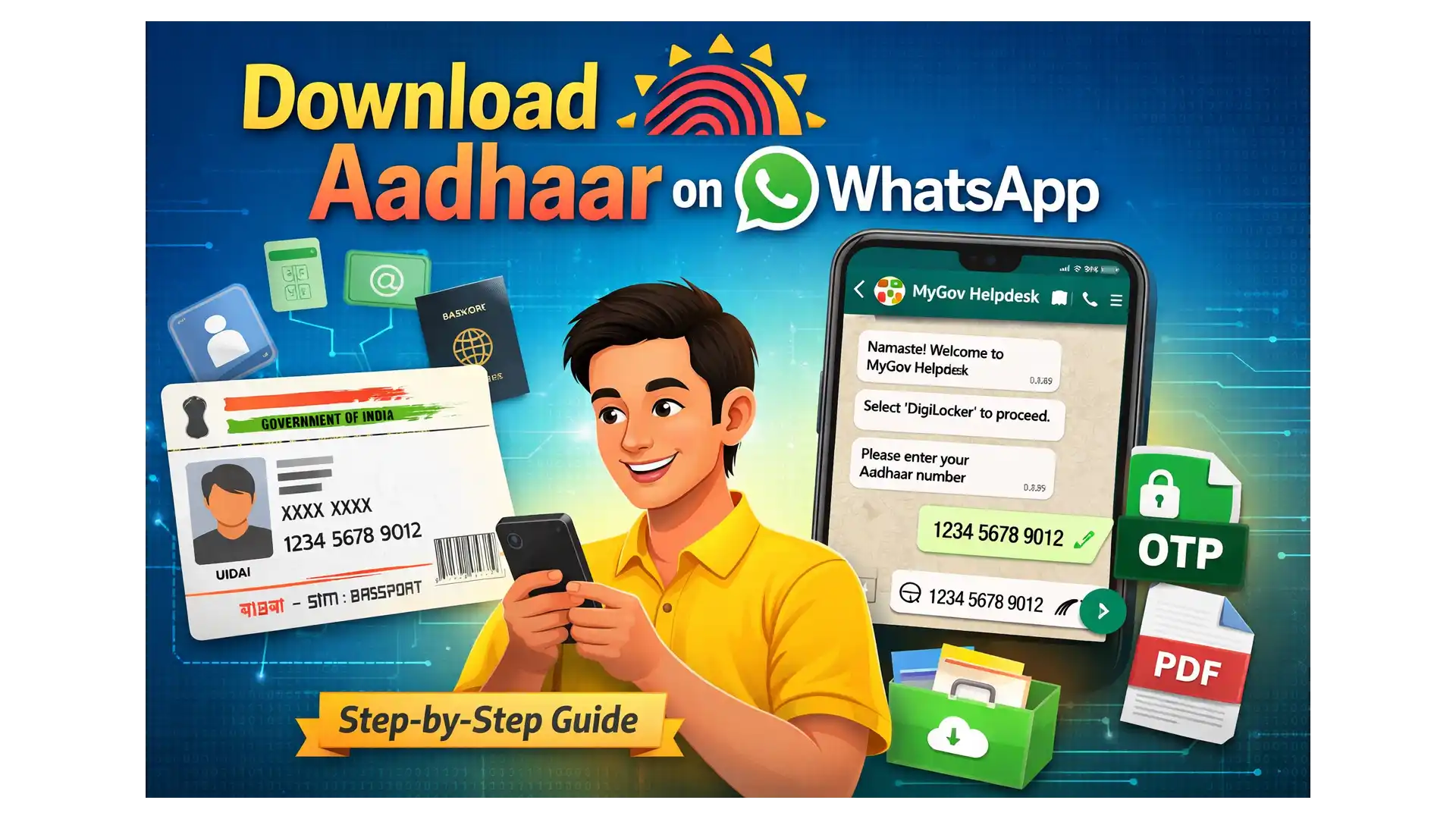
Aadhaar Card Download on WhatsApp: In a major push toward hassle-free digital services, the Government of India has introduced a new way to download your Aadhaar card directly through WhatsApp. This initiative is part of the broader Digital India mission, aimed at making essential government services faster, simpler, and more accessible to citizens.
With this new facility, residents no longer need to visit the UIDAI website repeatedly or open the DigiLocker app separately. Instead, Aadhaar can now be downloaded in just a few minutes using the official MyGov WhatsApp chatbot.
What Is Aadhaar and Why Is It Important?
Aadhaar is a 12-digit unique identification number issued by Unique Identification Authority of India (UIDAI). It plays a crucial role in accessing multiple services such as:
- Government subsidies and pensions
- Opening bank accounts
- Mobile SIM verification
- Passport applications
- Welfare scheme registrations
Given its importance, quick and secure access to Aadhaar is essential—and WhatsApp now makes that possible.
Also Read: Mark OTT Release Update: Where to Watch Kiccha Sudeepa’s Power-Packed Action Thriller Online
Aadhaar Card Download on WhatsApp
Earlier, users had to rely on the UIDAI portal or the DigiLocker app, which involved multiple steps, OTP delays, and navigation issues for some users. The new WhatsApp-based system simplifies the entire process by integrating DigiLocker services directly into a chatbot experience.
The service is provided through the MyGov Helpdesk, making Aadhaar retrieval quicker for millions of users who already use WhatsApp daily.
Requirements to Download Aadhaar on WhatsApp
Before starting, ensure the following conditions are met:
- Aadhaar number is linked with your mobile number
- An active DigiLocker account exists
- WhatsApp is installed on your phone
- MyGov Helpdesk number is saved in contacts
Step-by-Step Guide: How to Download Aadhaar Using WhatsApp
Follow these simple steps to get your Aadhaar PDF on WhatsApp:
- Save +91 90131 51515 on your mobile phone.
- Open WhatsApp and send “Hi” or “Namaste” to the saved number.
- The chatbot menu will appear—select DigiLocker Services.
- Confirm or create your DigiLocker account when prompted.
- Enter your 12-digit Aadhaar number.
- Verify your identity using the OTP sent to your registered mobile number.
- Once verified, select Aadhaar from the document list.
- Your Aadhaar PDF will be delivered and saved directly in WhatsApp.
Key Features of Aadhaar WhatsApp Download Service
| Feature | Details |
|---|---|
| Platform | |
| Service Provider | MyGov Helpdesk |
| Document Format | |
| Verification Method | OTP |
| Documents per Download | One at a time |
| Requirement | Aadhaar linked with DigiLocker |
Important Points to Remember
- Only one document can be downloaded at a time
- Aadhaar must already be linked with DigiLocker
- If Aadhaar does not appear in DigiLocker, link it via the DigiLocker app or website first
- The service is official and secure
This WhatsApp-based Aadhaar download facility reduces dependency on websites and apps, cuts down waiting time, and improves accessibility—especially for users in rural or low-connectivity areas. It reflects the government’s commitment to citizen-friendly digital governance and simplified public services.
With just a few taps on WhatsApp, accessing Aadhaar has never been easier.

Yogesh Kolhe is a market and business news author with a focus on the automobile sector and gold and silver price movements, offering readers practical insights into industry and market trends.